RF To Secure Radio
DMR traffic can appear inside dispatch and Android
A configured RF gateway publishes decoded radio audio into the same controlled media room as Secure Radio clients.
Clear comms. Live control. One operation.
Our view is simple: live communication only works well when the people speaking, the people coordinating, and the people governing the system are all properly supported.
This matters for teams that already have radio users but want browser dispatch, PoC handsets, identity-aware access, location, messaging, telemetry, and video request around the same live operation. It is especially relevant for remote sites, disaster recovery, temporary operations, and gateways connected back to the internet by LTE, Wi-Fi, broadband, or satellite.
A configured RF gateway publishes decoded radio audio into the same controlled media room as Secure Radio clients.
Secure Radio talkgroup TX can be routed to DMR through a gateway job governed by tenant and operator policy.
Clients show RF keying and talk-now states so operators know when the radio side is ready.
DMR bridging is configured per gateway route, not as an uncontrolled open patch.
The free trial flow now provisions a small tenant and produces separate short-lived setup codes for dispatch and Android. Each client scans its own QR, receives the right device identity invisibly, and asks the operator to set a PIN during onboarding.
The dispatch login screen can scan or redeem the setup code, apply the device credentials, and prompt for the dispatch operator PIN.
The Android app opens the camera from login, reads the setup QR, applies the radio identity, and asks the field operator to choose a PIN.
Setup links are short-lived. Operator PINs are set during activation and stored server-side as hashes, not returned to the client.
The onboarding email and trial-ready page include a stable Android download link, app version, and SHA-256 checksum.
We do not believe every user needs the same interface. Dispatch and admin work best in the browser. Field users work best in a native Android app. Lighter mobile access can still be useful on any phone, over Wi-Fi or LTE, when someone needs to step into the workflow away from a desk.
Dispatch and control workflows are best suited to current Chrome and Edge on desktop, where operations teams typically work all day and need map-led coordination without another thick client.
The admin surface runs in the browser too, which keeps configuration, exports, and service visibility accessible without another client install.
Our native Android client is where field users get the strongest push-to-talk experience, role-led access, and day-to-day confidence.
This is useful for duty managers, roving supervisors, temporary users, or backup access on any phone over Wi-Fi or LTE. It is helpful, but not our primary operating surface.
Today, many mobile teams are piecing communication together with calls, chats, or basic walkie-talkie apps. We built our field app to remove that hesitation and give operators something that feels direct and dependable.
Instead of bouncing between consumer apps, operators get a native field surface designed around secure access and operational voice.
When a team is moving, responding, or escalating, the tool needs to feel obvious. That is the standard we designed this surface to support.
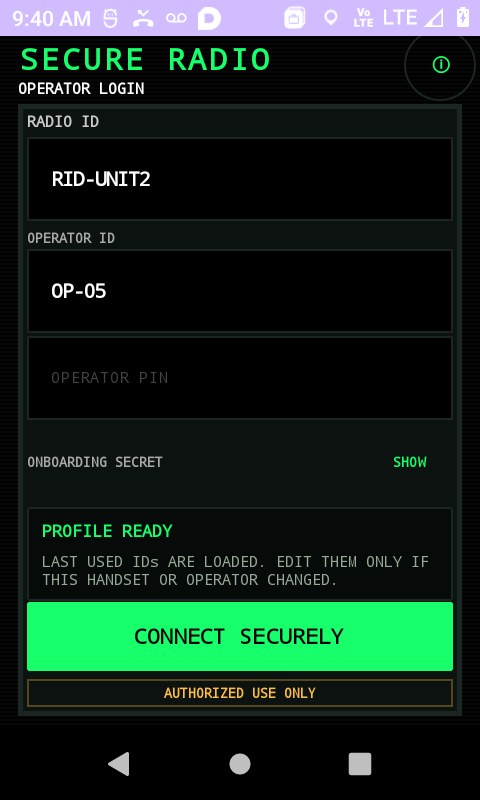
Named operator access from the handset.
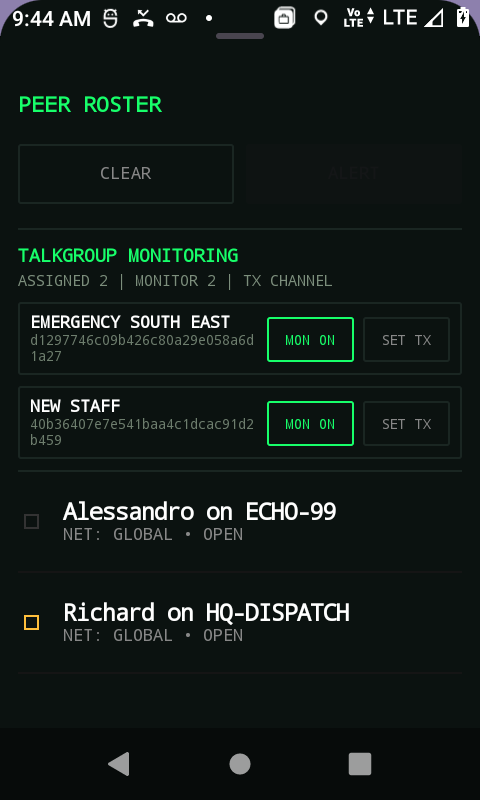
Operators can see team state and channel context.
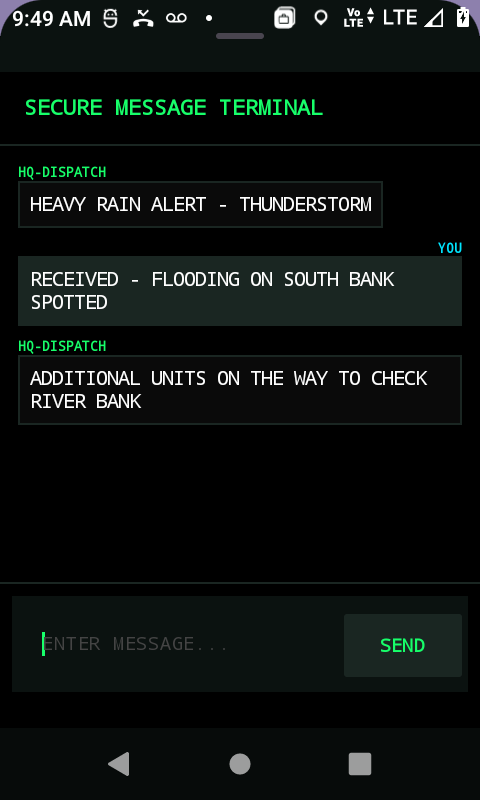
Text updates stay inside the field workflow.
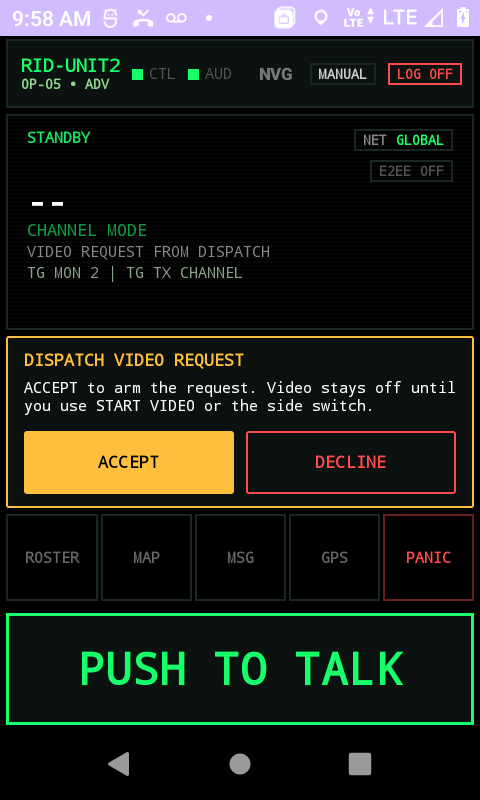
Dispatch can ask for visual context deliberately.
One of the biggest gaps in generic tools is the dispatch role. We built this surface for supervisors and control rooms that need an active working view of the operation, and sometimes a live look from the field, not a workaround inside the same interface the field uses.
Supervisors often end up coordinating from calls, message groups, or a limited app view that was not really designed for active command.
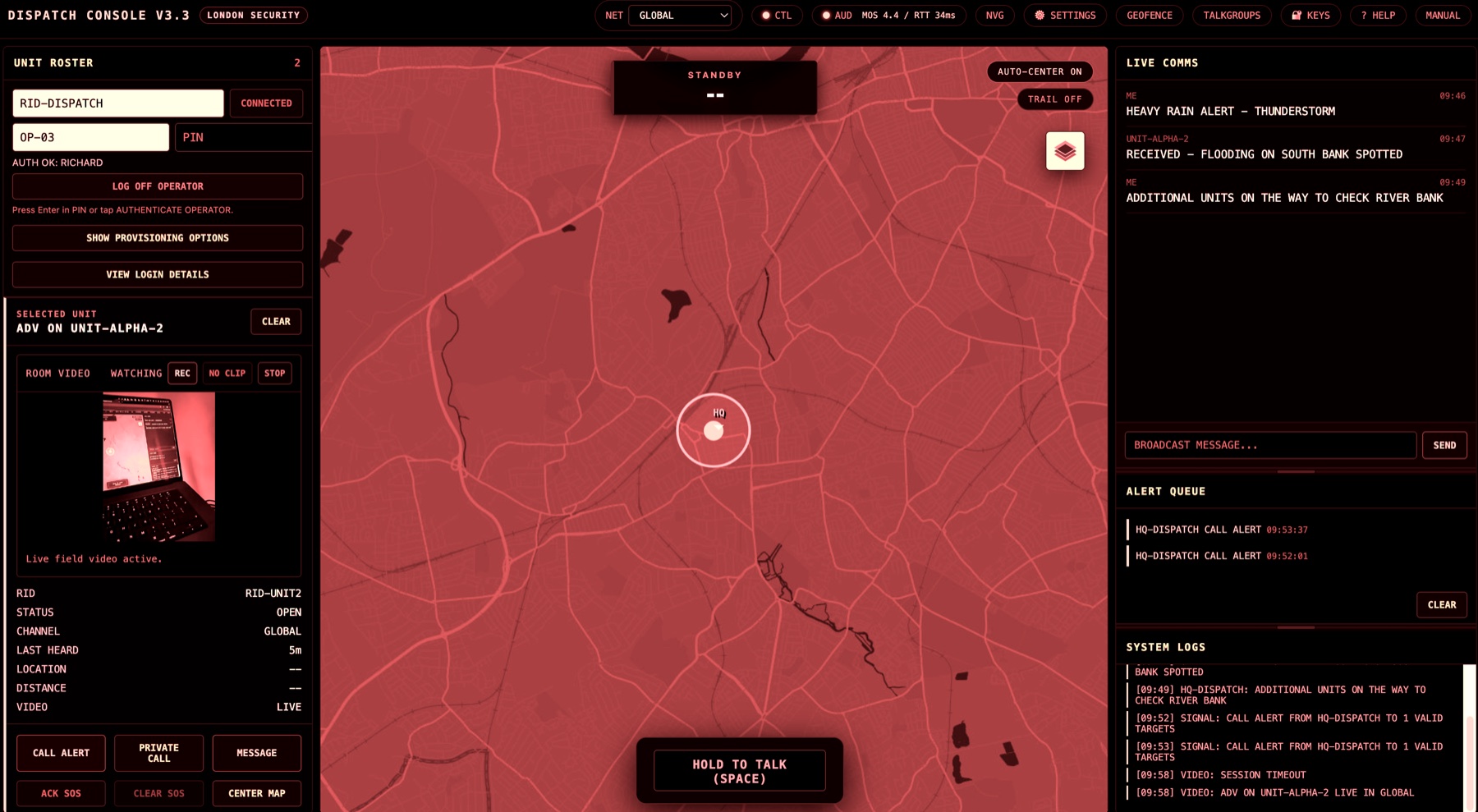
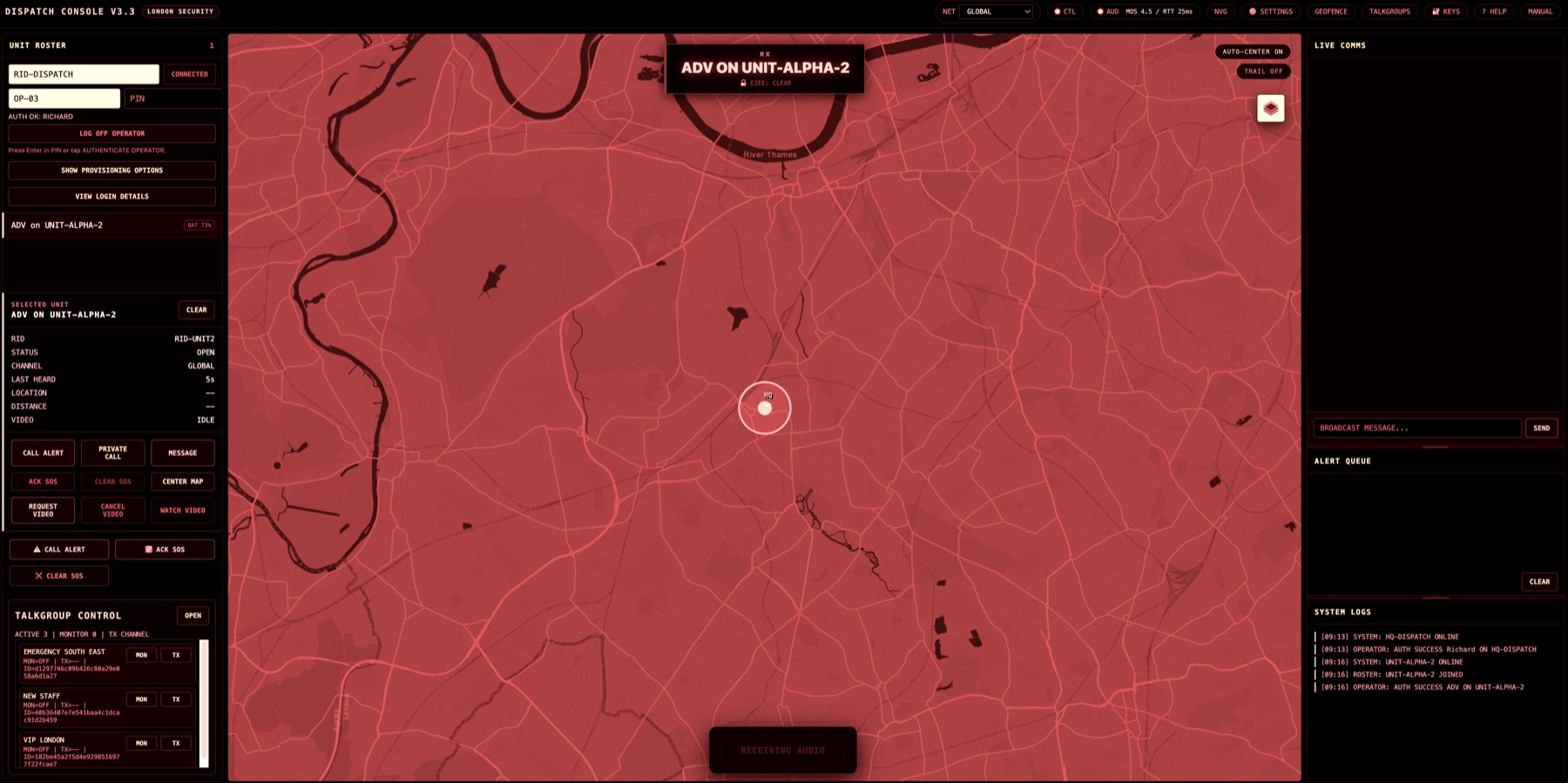
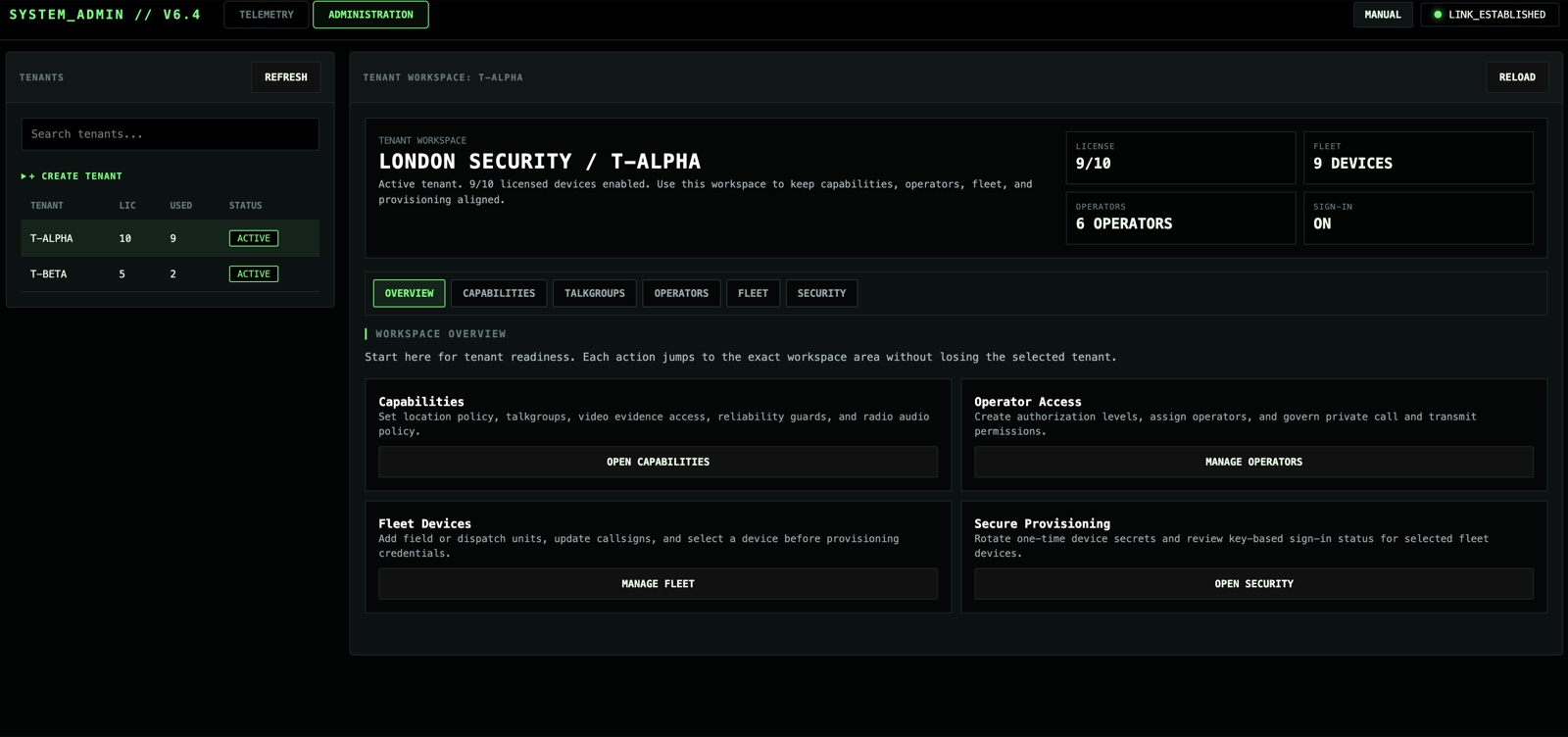
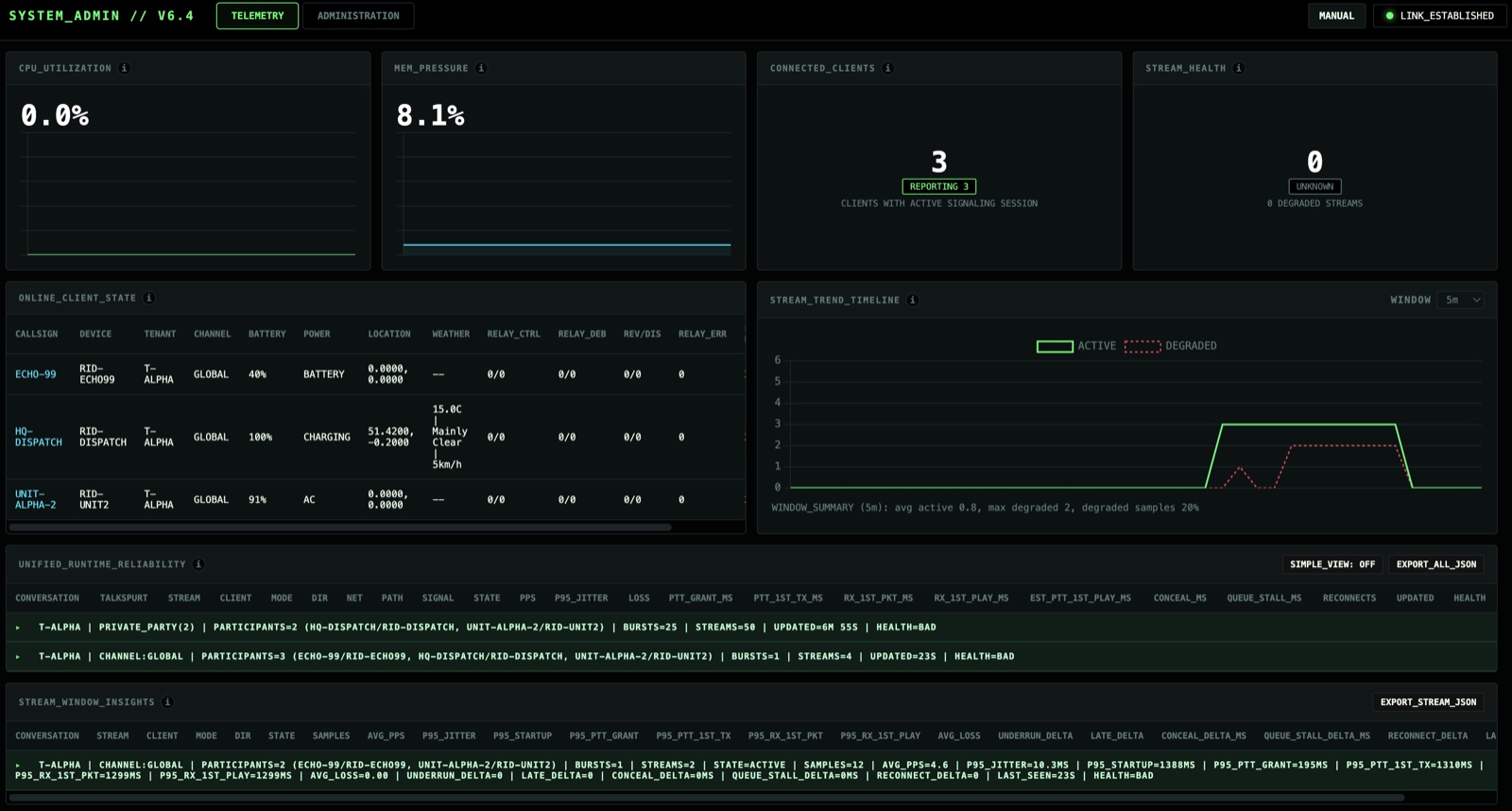
A rollout can look fine in the first demo and still become unmanageable later. We treat governance and service visibility as part of the platform because customers need more than a launch-day success.
Admins and operations owners need to know who is on the system, how talkgroups and permissions are structured, and whether the live service is behaving well.
Sometimes the right person is away from the desk, carrying a non-primary device, or only needs temporary access. We support that too. The point is flexibility, not pretending every phone should become the main operating surface.
A generic mobile client can be helpful when someone needs situational awareness, a quick response path, or a way to stay involved while moving across site.
We are careful about this distinction. The generic mobile client is there to extend access where useful, while the native Android app and browser dispatch surface still carry the heavier day-to-day workflow.
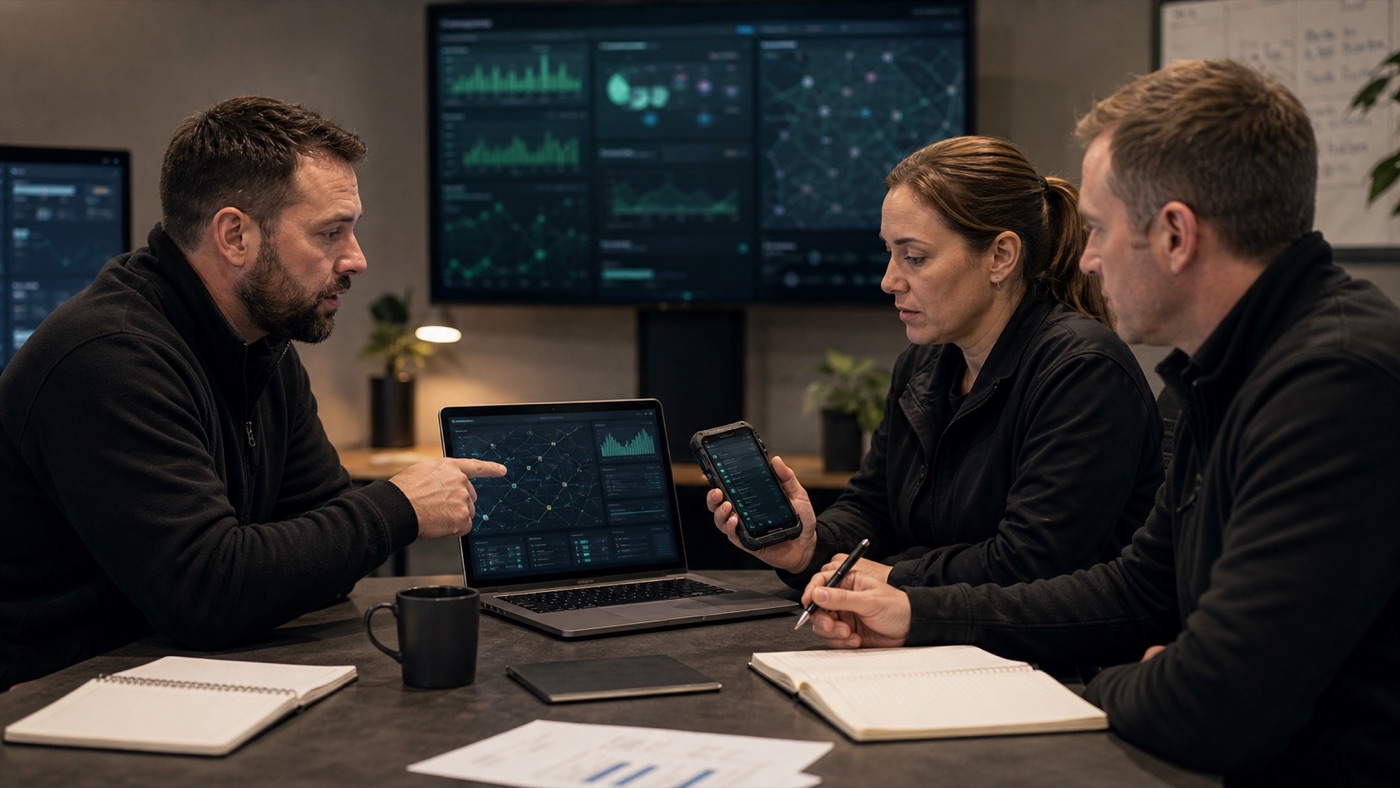
A control-room operator, a field user, and a duty manager away from the desk should not be forced into the same interface. Secure Radio gives each role a surface that matches the moment.
Not one-to-one by default, and not dependent on manually dialing the right person at the right moment.
Operational voice, dispatch workflow, and role separation are treated as the core job, not an add-on.
Field users, dispatchers, and admins all have a proper place in the system.
We let customers start with the workflow and add hardware selectively where it truly improves the operation.
Useful when the right person, not just the right device, should carry the permission and accountability.
Support operational separation by function, team, and incident, with talkgroups and access defined by admins instead of improvised during live use.
Useful for redirecting one operator, clarifying a task, or escalating one role quickly while the wider channel stays clean.
Built for operations where the real pain is not just hearing the update, but getting the right supervisor or dispatcher to act on it fast.
Let the browser remain the control surface while a provisioned mobile or portable radio handles RX, TX microphone, and hardware PTT.
Admin and operations owners can review live quality, reliability, and service behavior as usage grows.
Where enabled, dispatch can request a live field view without turning the whole product into a video-first workflow.