Browser Console
The browser stays in charge
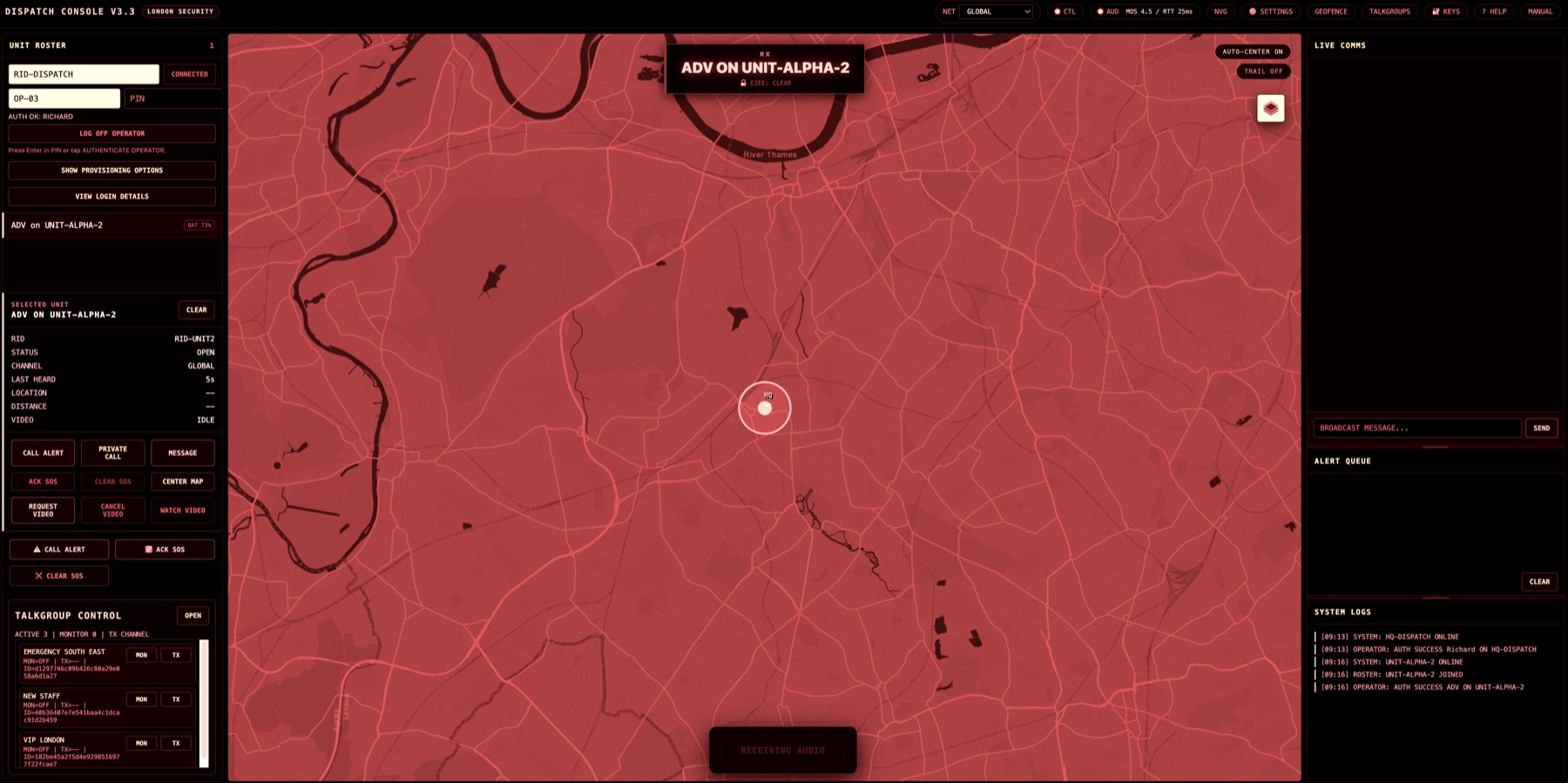
Dispatch keeps the full operational surface: channel, talkgroup, roster, map, alerts, messages, video requests, and service state.
One operator. Two endpoints. One dispatch presence.
Audio Companion lets a browser console pair with a correctly provisioned mobile or portable radio. The browser remains the command surface for maps, roster, talkgroups, messaging, video requests, and workflow. The radio handles receive audio, microphone capture, and hardware push-to-talk.
Browser dispatch is strong for live control, visibility, and supervision. A rugged radio is strong for speaker output, microphone capture, physical PTT, and muscle-memory operation. The audio companion feature combines those strengths without turning the radio into a second dispatch console.
Dispatch keeps the full operational surface: channel, talkgroup, roster, map, alerts, messages, video requests, and service state.
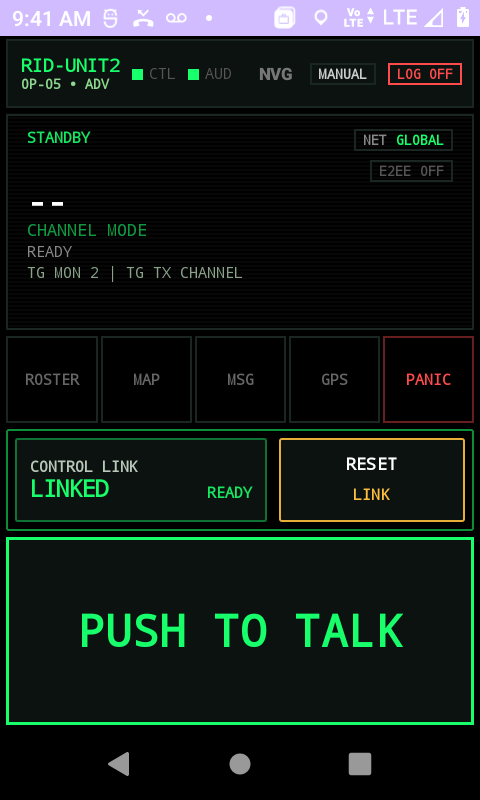
When paired, the mobile or portable radio becomes the audio endpoint for RX, TX microphone, hardware PTT, and radio-style audio handling.
Speaker, microphone, and physical PTT stay on the mobile or portable radio while the browser remains focused on control.
The operator does not need to drive field workflow from a small radio screen during dispatch operations.
The paired radio is hidden as a child audio endpoint, so field users do not see two online devices for one dispatcher.
Any compatible radio that is provisioned with the companion capability can be used as the audio endpoint.
Reverse pairing is the default. The companion radio displays a short code. The browser operator enters it. The server verifies that both endpoints belong to the same tenant and the same operator.
The browser session is the control endpoint and keeps authority for target selection and workflow.
The radio enters dispatch audio companion mode only when the provisioned device and operator are allowed.
No mandatory QR scan. This suits radios without cameras, cradled devices, and vehicle-mounted setups.
The server checks tenant, operator identity, device capability, session role, and code expiry before pairing.
RX and TX audio route to the companion radio while the browser remains the operational authority.
Internally, Secure Radio can track the browser control endpoint and the radio audio endpoint separately for authorization, health, and audit. Externally, the public operational identity remains dispatch. That avoids confusion in the roster and prevents a companion radio from looking like an independent field user.
The feature is not a permanent device type. A provisioned radio remains a radio. Admins can enable the audio companion capability, and the current session role decides whether the device behaves as a field unit or as a dispatch audio endpoint.
Used by mobile staff as a normal Secure Radio field device, visible in roster and operating independently.
Used by the same dispatch operator as the audio half of the browser console, hidden from normal field rosters.
Only correctly provisioned radios can request companion mode. Dispatch and gateway device types cannot be used as audio companions.
The capability can stay disabled for teams that want current behaviour unchanged, then be enabled selectively for approved operators and devices.
Recipients see dispatch. Operations owners can still review which browser, which radio, and which operator were involved in the paired session. That gives the feature useful accountability without confusing the live roster.
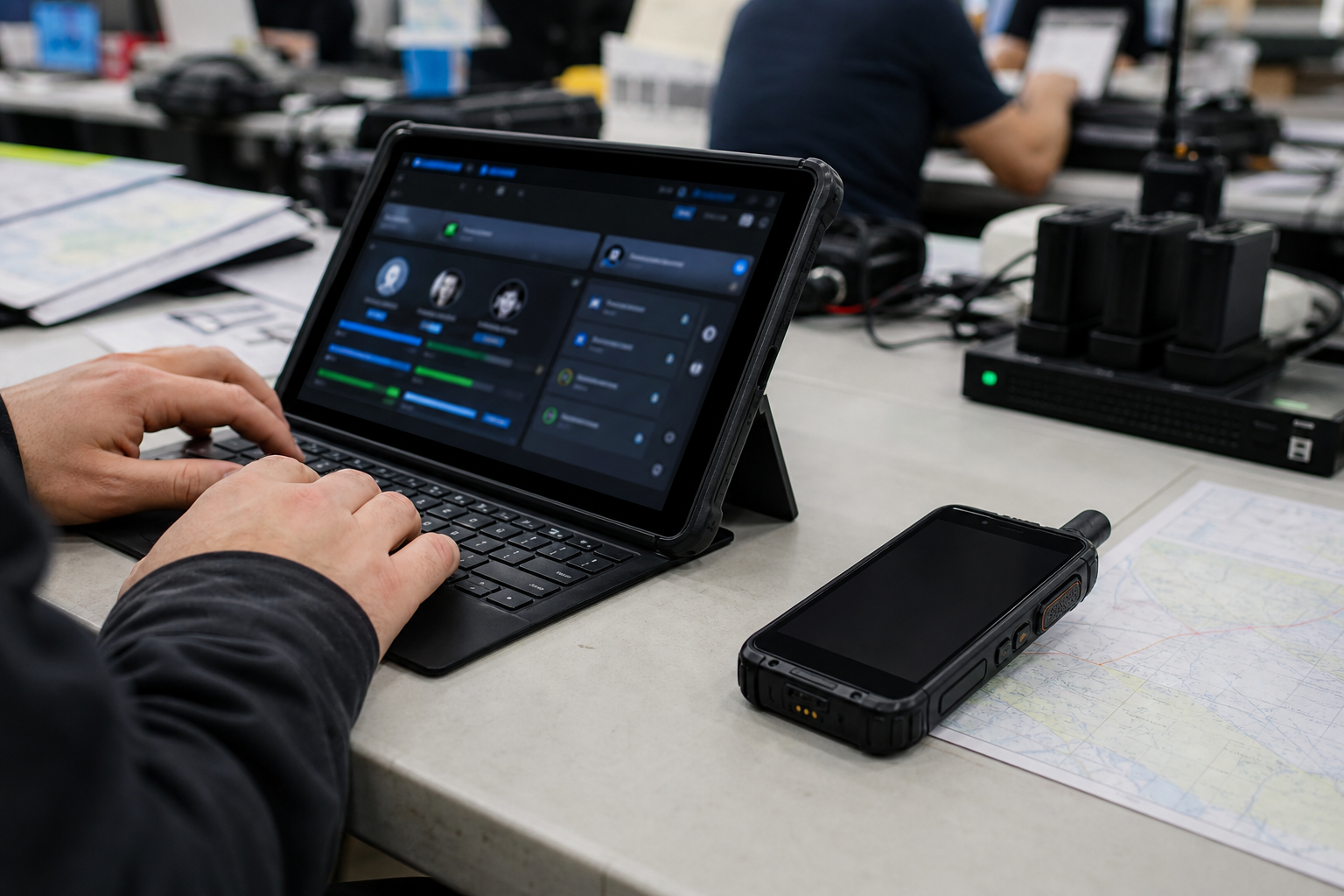
Keep the incident view on a laptop while the operator uses a radio for louder audio and physical PTT.
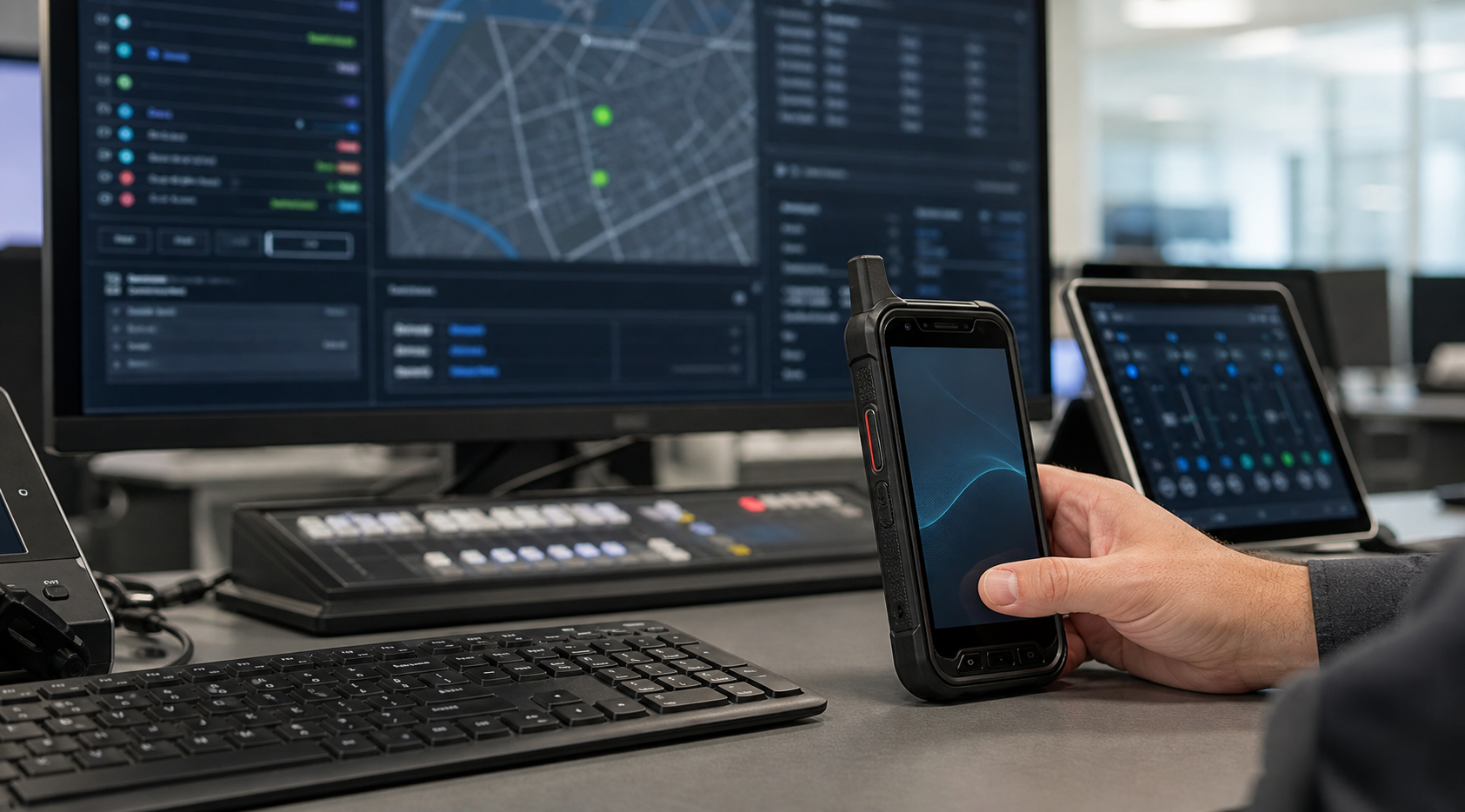
Use the browser for jobs, units, locations, and messages, while the companion radio handles the talk path.
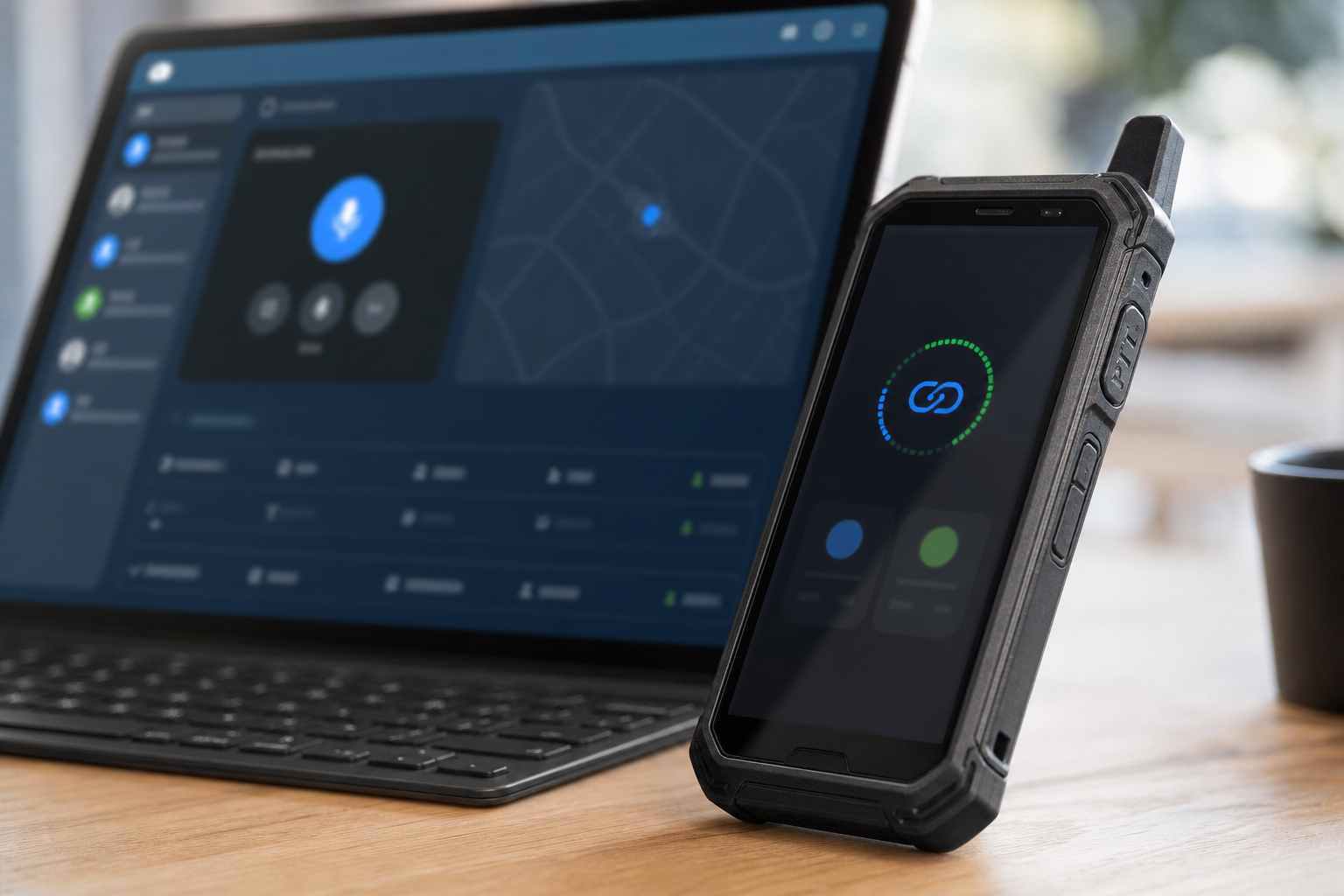
Pair a radio when the operator needs direct, tactile audio controls without losing the browser console.
Audio Companion is designed around paired dispatch audio for channel and talkgroup workflows. Browser control remains the source of truth, and browser audio fallback stays available. Private companion TX is introduced only when the full private-call experience can preserve the same identity and safety rules end to end.
We can walk through your dispatch desk, radio hardware, user roles, and pairing model, then decide whether this feature belongs in your evaluation plan.