Radios, Rugged Android Devices, SIMs, And Accessories
The device choice should support the workflow, not distract from it. Compact Android PoC radios are often a better fit than traditional long-antenna radios.
8 min readUpdated 2026-05-11Public buyer guide
The device should match the job
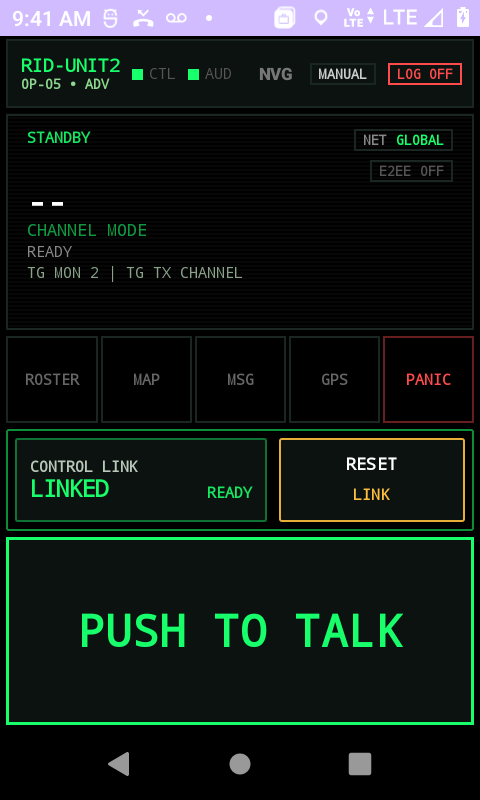
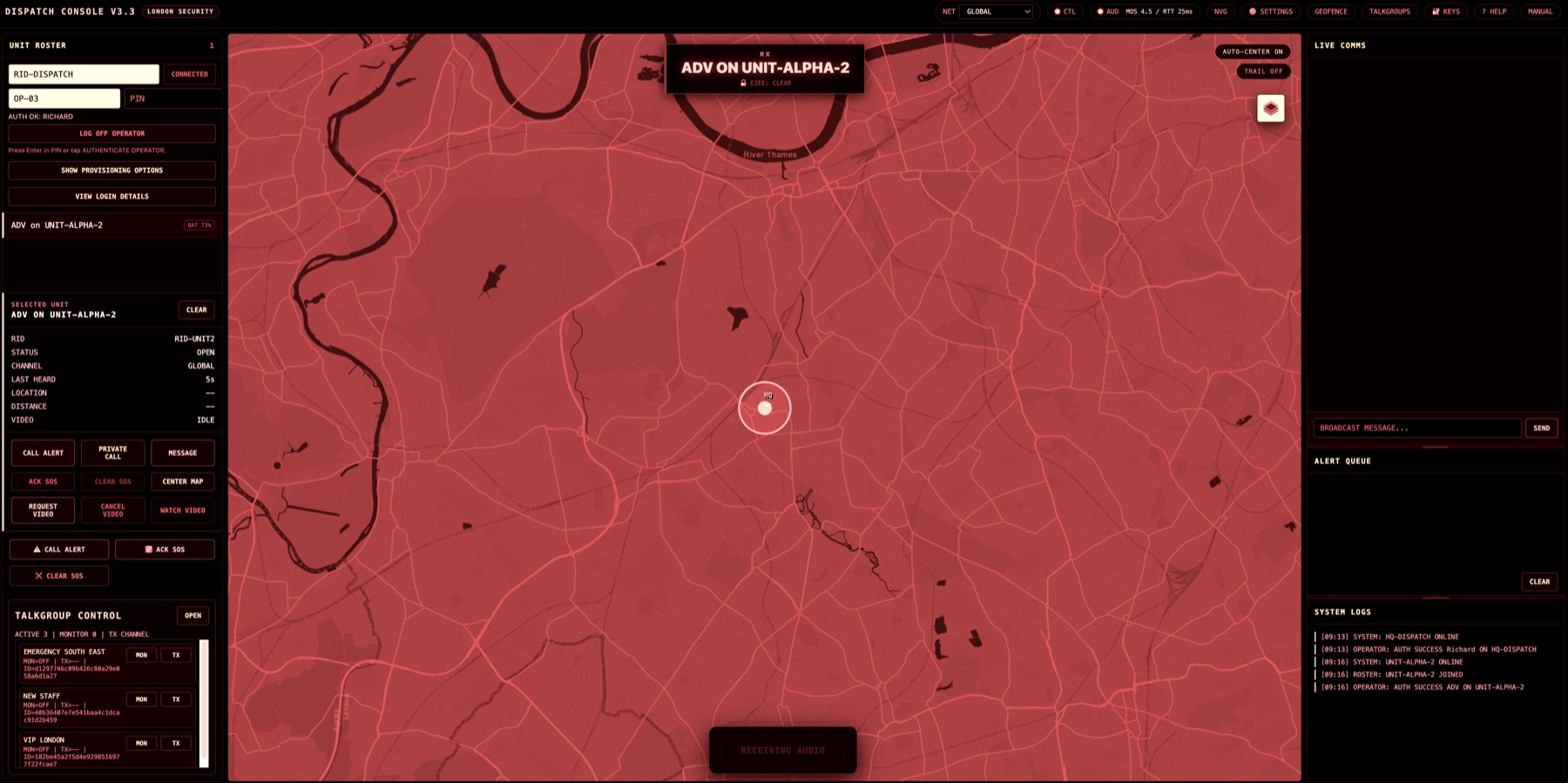
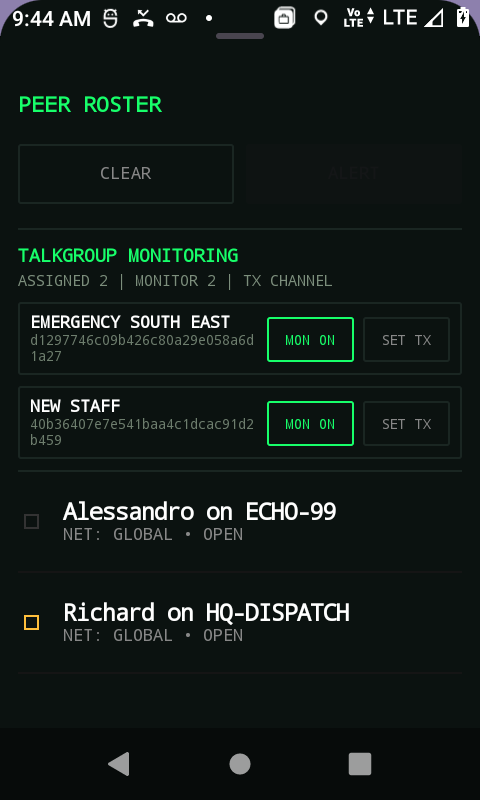
A modern PoC device does not have to look like a traditional radio. Many of the devices Secure Radio is likely to support, including Hytera P60 and P50 class handsets, look closer to rugged Android phones than radios with long antennas. That can be a better fit for teams that need a pocketable device with screen-based workflows, QR activation, messaging, roster, map, and dispatch context.
The right question is not which device looks most like a radio. The right question is which device field users will actually carry, charge, unlock, hear, and operate under pressure.
What matters in the field
For field teams, the practical checklist is simple. The screen must be readable. The audio must be loud enough for the environment. The battery must survive the shift. The device must tolerate drops, weather, and pockets. Network connectivity must be understood before the first live day.
Secure Radio uses QR activation to reduce manual setup. That is especially useful when a field device may not have convenient access to email. The operator can scan a setup QR, set a PIN, and join the correct tenant-backed operation without learning about multi-tenancy or backend identity models.
Prefer compact PoC or rugged Android devices where field users also need screen workflows.
Check audio output, PTT ergonomics, battery life, charging, and protective accessories.
Plan SIMs and data coverage before the evaluation day.
Keep operator PIN setup private. PINs should not be prepopulated.
SIM cards and connectivity
A PoC rollout depends on data connectivity. That may mean LTE SIMs, site Wi-Fi, or a mixed approach. Buyers should treat connectivity as part of the evaluation, not an afterthought. A device that works in the office but fails at the gate, platform, patrol route, basement, loading bay, or event perimeter is not ready for operational use.
Secure Radio can help with device procurement, SIM planning, configuration, and setup, but hardware and SIM costs are separate from software pricing unless agreed in the commercial scope.
Keep the first evaluation deliberately small
The best first evaluation does not require a full fleet. Start with one or two representative devices, one dispatch console, and one live workflow. Once the team understands how the device behaves in real conditions, it becomes easier to select the right accessories, SIM plan, and support model for wider rollout.