A good trial should test activation, voice workflow, dispatch visibility, operator authentication, and one real operational scenario.
7 min readUpdated 2026-05-11Public buyer guide
Day one: activate the smallest useful operation
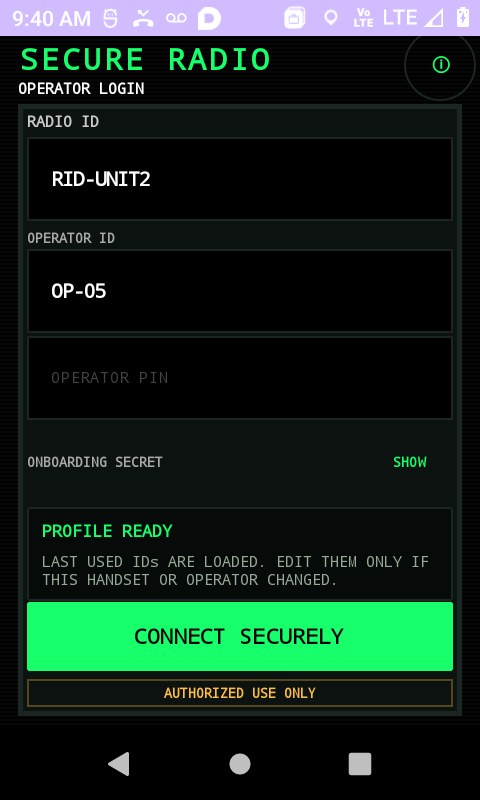
The first job is not to design the final rollout. It is to prove that the Secure Radio operating loop works. After the trial request is verified, Secure Radio provisions a starter tenant and sends onboarding details. The dispatch user opens the dispatch console. The field user installs the Android app. Each scans the correct setup QR and sets the operator PIN during onboarding.
This is intentionally narrow. One dispatch identity, one mobile radio identity, one OPS channel, and one OPS talkgroup are enough to test the basics without overwhelming the evaluator.
Days two to five: test the core workflow
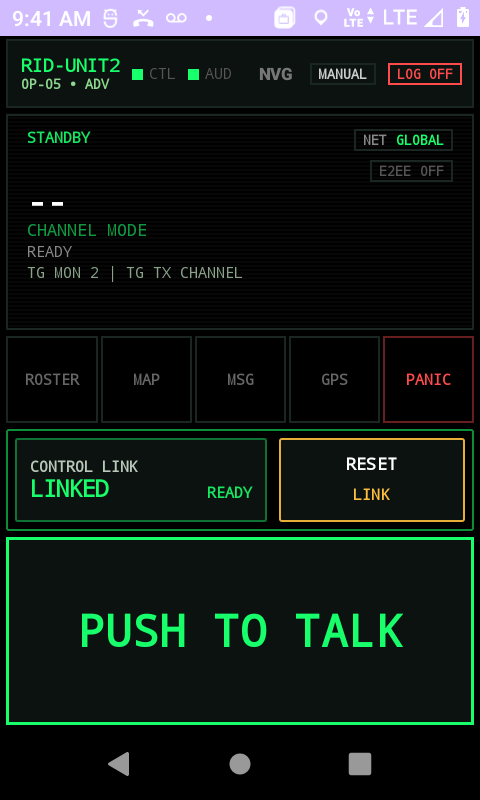
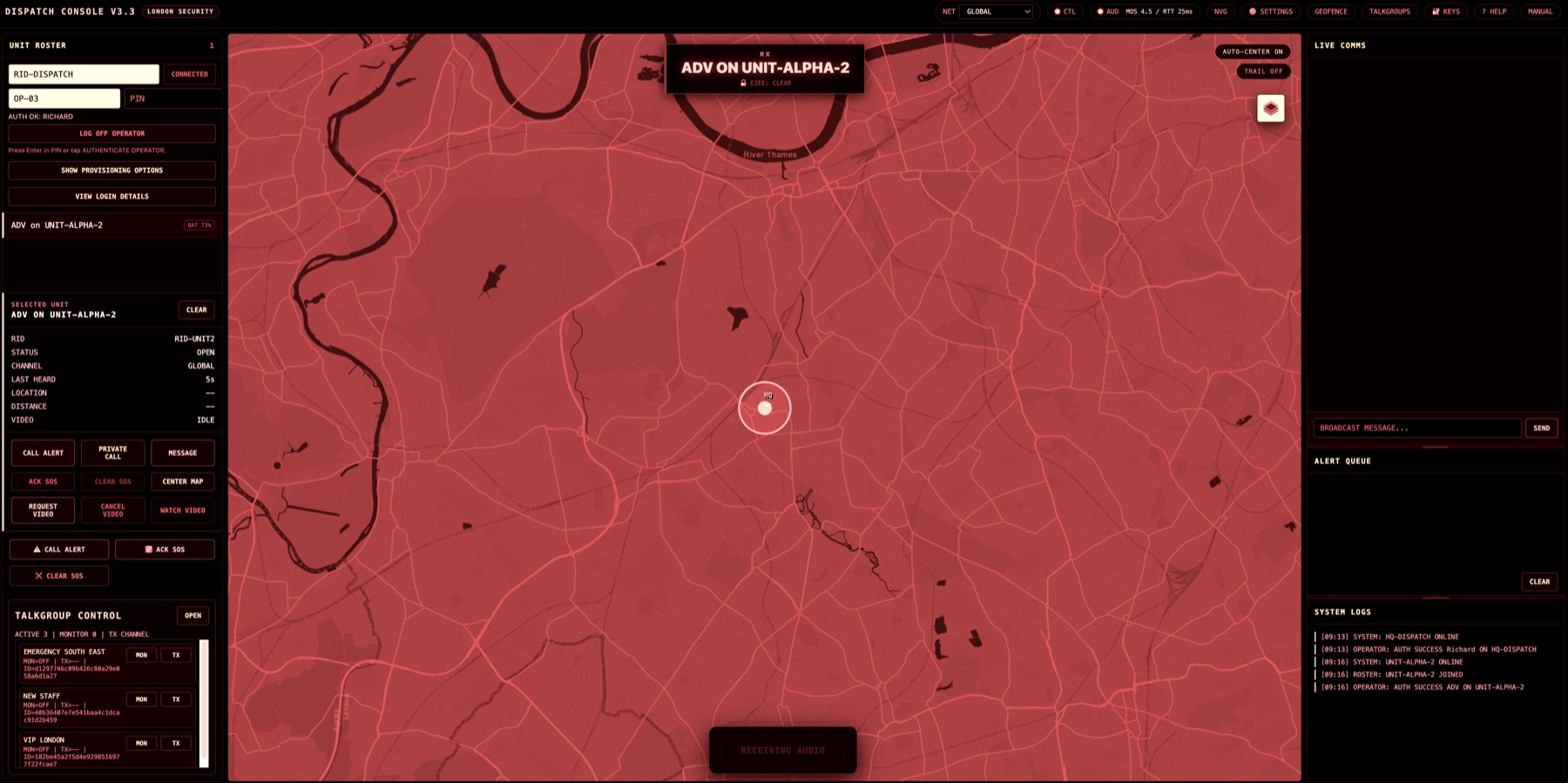
Once both endpoints can log in, test the live loop several times. The radio should be visible to dispatch. The field user should understand standby and connected states. Dispatch should be able to select the unit, observe the roster, and understand when the mobile radio is participating in the operation.
Do not treat this like a software tour. Treat it like a miniature operation. Give the field user a simple task, ask dispatch to supervise, then review whether the workflow felt clearer than a call, chat group, or improvised push-to-talk app.
Can the field user connect without help after setup?
Can dispatch identify the right unit?
Can users understand when they are connected, transmitting, or receiving?
Can the team recover if someone closes the app or changes network?
Days six to ten: add operational context
After the basic voice loop is understood, test the adjacent features that matter for your sector. For a venue, that may mean roster discipline and escalation. For facilities, it may mean map context and accountability. For security, it may mean selective call, message terminal, alert flow, and dispatch notes.
The point is not to use every feature. The point is to discover which parts of live control would change the way your team works.
Days eleven to fourteen: decide the next step
At the end of the trial, write down three things: what worked, what blocked adoption, and what would need to be true for a real team to use this on a live shift. If the answer is mostly product activation, you have learned enough. If the answer depends on real users, hardware, site conditions, or training, the next step should be Guided Evaluation.
These notes are customer-facing guides grounded in current Secure Radio public pages and documentation.
Continue Reading
More Field Notes
Pricing
What Secure Radio Costs For A Small Team
Software pricing starts from £10 per named field user and £50 per dispatch seat, with Guided Evaluation, DMR gateway modules, and hardware handled separately.
Radios, Rugged Android Devices, SIMs, And Accessories
The device choice should support the workflow, not distract from it. Compact Android PoC radios are often a better fit than traditional long-antenna radios.