Talkgroups are an operating decision
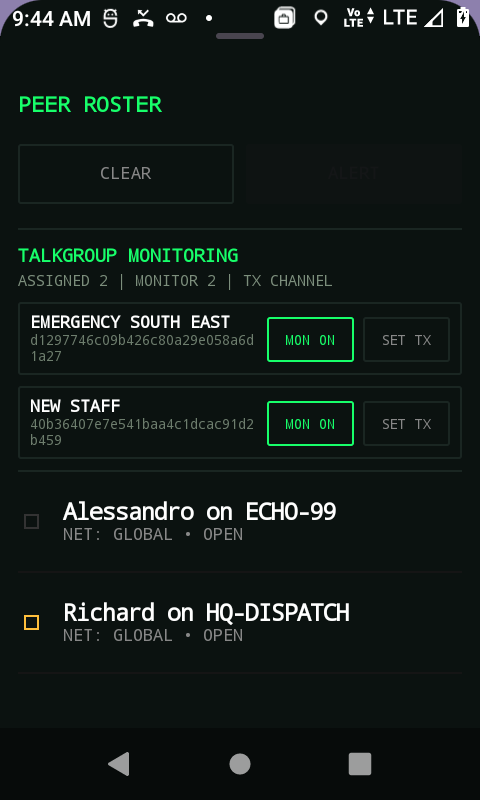
A talkgroup is not just a technical setting. It is a decision about how work is coordinated. Too few groups can create noise. Too many groups can make users miss the right conversation. The best starting point is usually the simplest structure that matches the live operation.
Secure Radio's self-service trial uses one OPS channel and one OPS talkgroup because a prospect should not need a fleet plan to understand the product. That simplicity is intentional.
Start with the day-one shape
For a first evaluation, create only what the team can explain in one sentence. For example: all trial users use OPS for the first radio check. If the team cannot explain when to use a talkgroup, the talkgroup probably should not exist yet.
As the operation grows, add structure around roles, locations, shifts, or escalation paths. Avoid naming groups after internal codes unless every field user already knows those codes under pressure.
- Use human-readable names.
- Keep the first trial to one primary operational group.
- Add escalation groups only when the workflow needs them.
- Review group usage after live testing rather than designing everything in a meeting.
Dispatch changes the group design
With dispatch in the workflow, not every conversation has to happen in a broad group. Dispatch can supervise, select units, coordinate privately where needed, and help keep the wider group cleaner. That can reduce the temptation to create too many talkgroups too early.
The right communication structure should help users decide quickly: do I talk to everyone, to a role, to dispatch, or to a specific person?
A useful first review
After a trial or Guided Evaluation, review which conversations actually happened. Were users talking over each other? Did dispatch need a separate escalation path? Did field users understand the names? Did anyone avoid using the system because the structure felt confusing? Those answers are more valuable than an abstract talkgroup design.
Related Secure Radio pages
These notes are customer-facing guides grounded in current Secure Radio public pages and documentation.