Secure Radio Communications
Clear comms. Live control. One operation.
Audio Companion
Desktop dispatch control. Radio audio at the operator's hand.
Pair browser dispatch with a provisioned push-to-talk over cellular (PoC) mobile or portable radio. The browser keeps maps, talkgroups, roster, and workflow; the radio handles RX, microphone capture, and hardware push-to-talk.
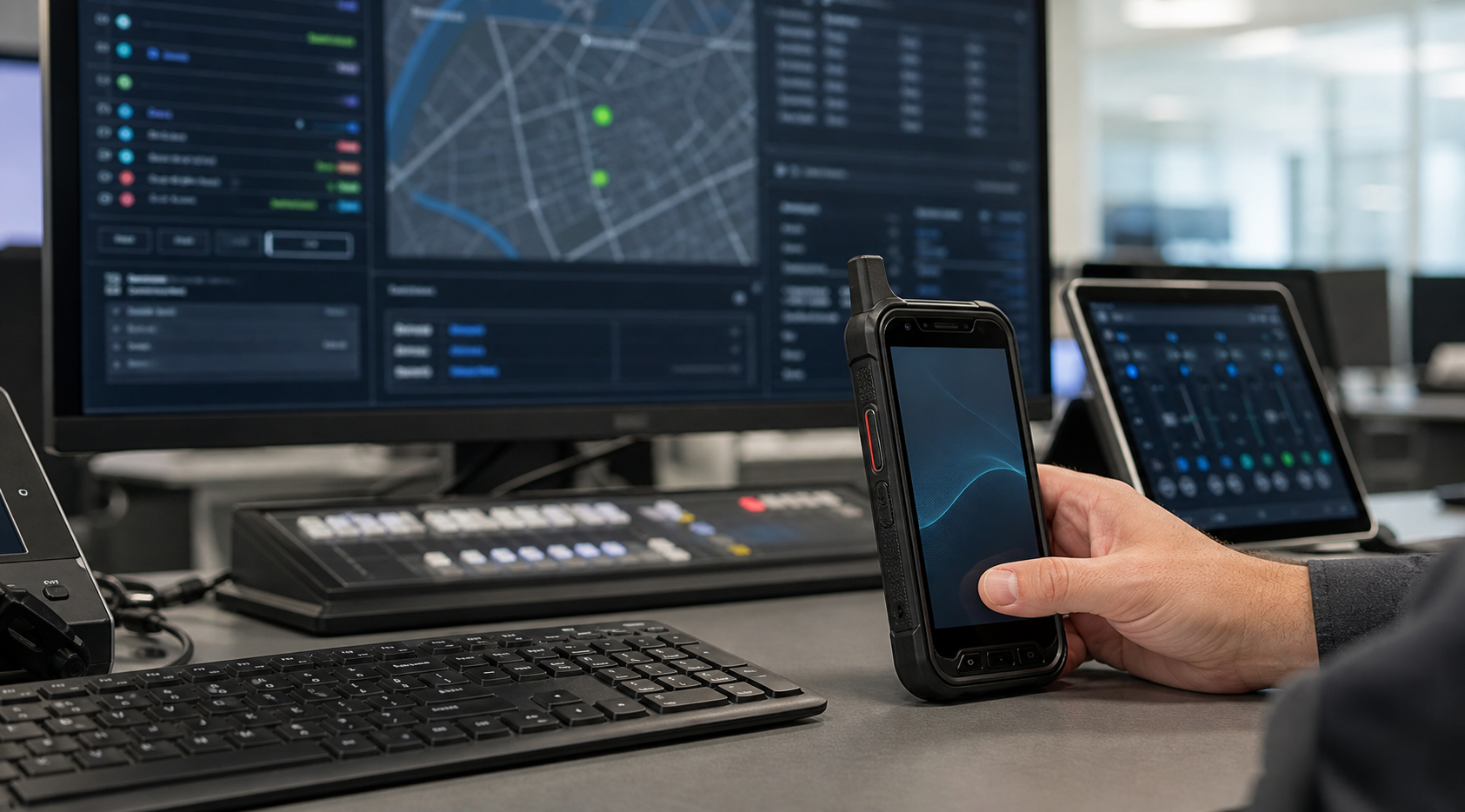
Radio-grade audio ergonomics
Use loudspeaker output, microphone capture, and tactile PTT on rugged radio hardware while dispatch stays on the larger screen.
One visible dispatch presence
The system can track two endpoints internally, but field users still see and hear a single dispatch identity.
Camera-free pairing
The companion radio can show a short code for the browser operator to enter, supporting devices without cameras or cradled installations.
How It Works
Pair once, operate as one console.
Sign in on both endpoints. The same operator logs into browser dispatch and the companion radio.
Pair from the browser. The radio presents a short-lived code; the browser accepts it after server checks.
Dispatch controls, radio talks. Target selection and workflow stay in the browser; RX and TX audio move to the radio.
Governed By Design
Built for controlled operations.
- Same tenant verification
- Same operator verification
- Admin-enabled device capability
- Short-lived pairing code
- Browser-controlled target state
- Browser audio fallback when unpaired
Where It Fits
For teams that need desktop visibility and radio audio.
Audio Companion is hardware-flexible: any compatible mobile or portable push-to-talk over cellular radio can be provisioned for companion use.
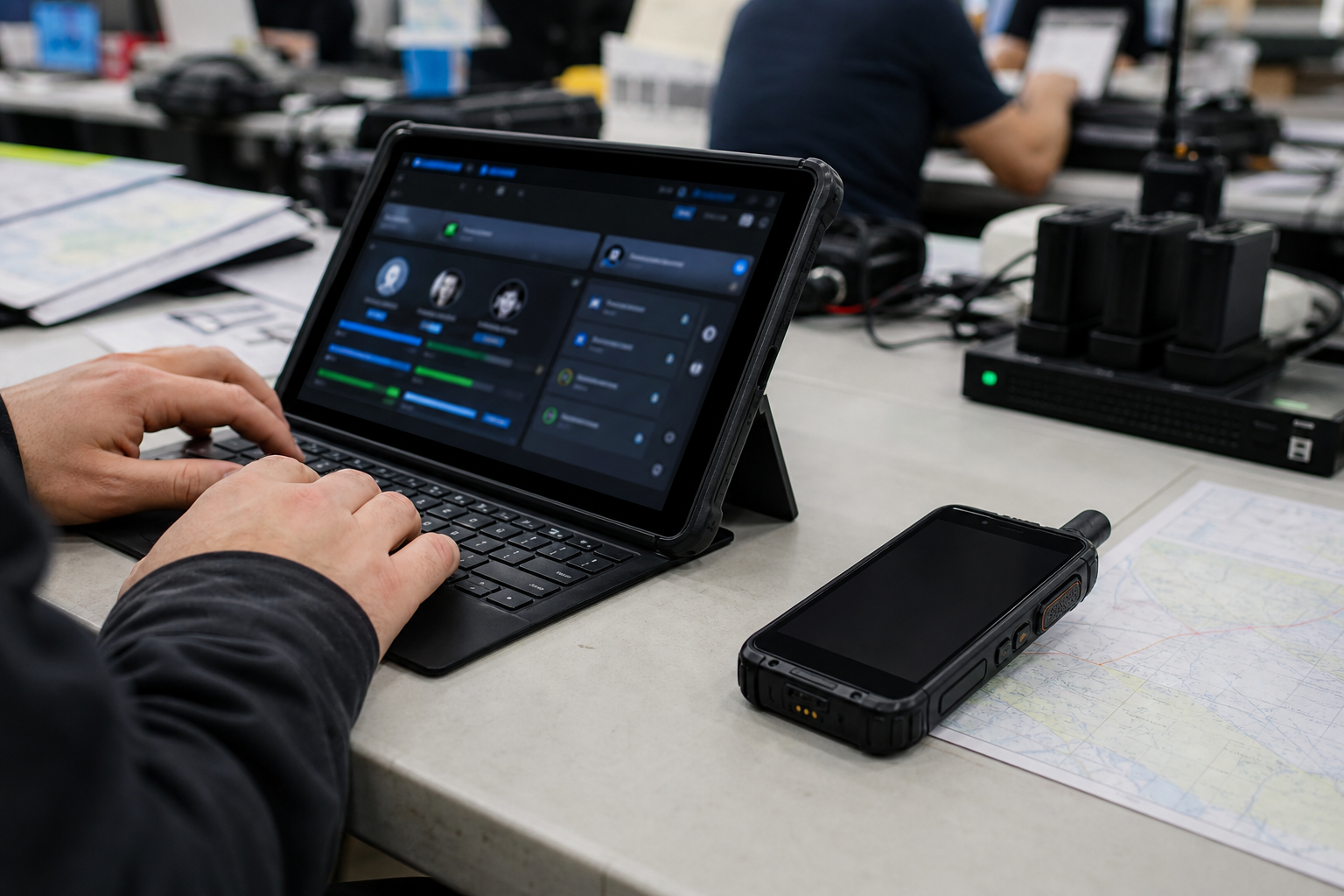
Events and venues
Temporary command desks, high background noise, and quick physical PTT.
Facilities and campus
Supervisors keep maps, jobs, units, and messages on the main screen.
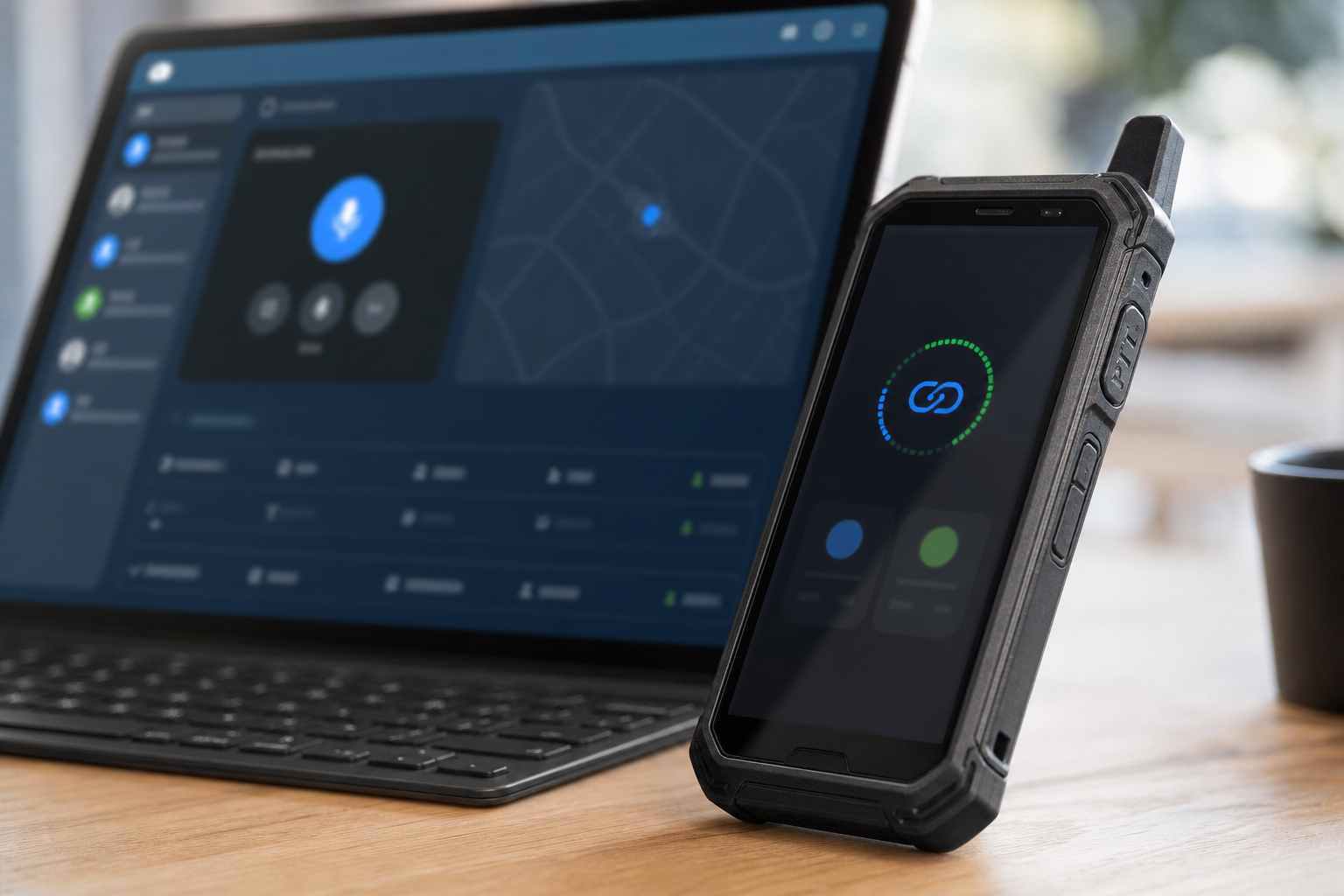
Transport and critical sites
Radio audio at the desk without creating another visible field unit.